Find your phone.
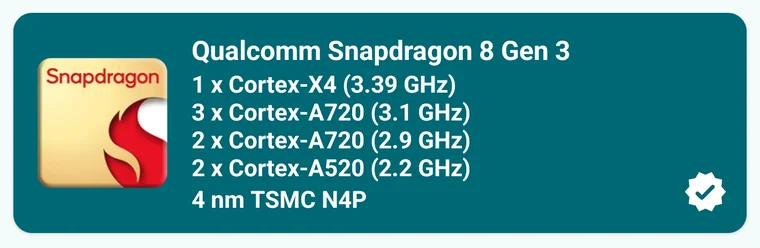
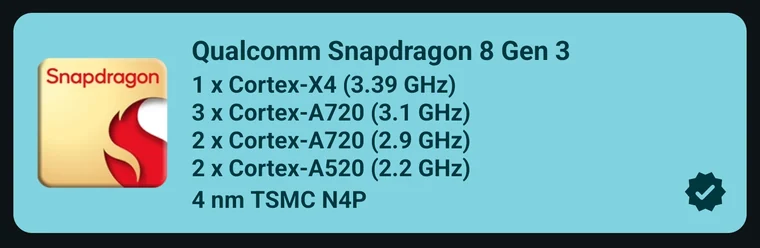
Search 3,946 phones and tablets Device Info recognizes, by name or by codename, and see the chipset inside.
No match for “”
Tell us on TelegramRecently added
All supported devices
Grouped by brand. Each device shows the chipset it uses. Browse 567 chipsets →
 Samsung341
 vivo335
 OPPO279
 DOOGEE216
 Motorola200
 realme200
 TECNO184
 Redmi161
 Ulefone148
 Infinix143
 HONOR140
 HUAWEI120
 Xiaomi118
 Lenovo111
 iQOO100
 LG96
 OnePlus91
 Nokia89
 POCO73
 nubia72
 Sony65
 ASUS56
 LAVA49
 Google40
 itel34
 Alcatel32
 ZTE30
 General Mobile28
 TCL23
 WALTON19
 OUKITEL17
 Symphony16
 Blackview15
 Docomo13
 KDDI12
 Nothing12
 BLU9
 Cubot8
 Amazon7
 HMD7
 Meizu7
 T-Mobile7
 Hisense6
 ADVAN5
ATT5
LT_mobile5
 Alldocube4
Benco4
Cricket4
Helio4
iiiF1504
LT4
Mobicel4
 NEC4
 REDMAGIC4
SG4
 Sharp4
 WIKO4
 Acer3
AGM3
AIPLUS3
Daria3
Gplus3
Kalley3
Onn3
ZUUM3
Other brands130
Questions
How do I find out which chipset my phone has?
Search your phone by its name or codename on this page to see its chipset, process node and CPU cores. For live readings, install Device Info and open the CPU tab.
What is a device codename?
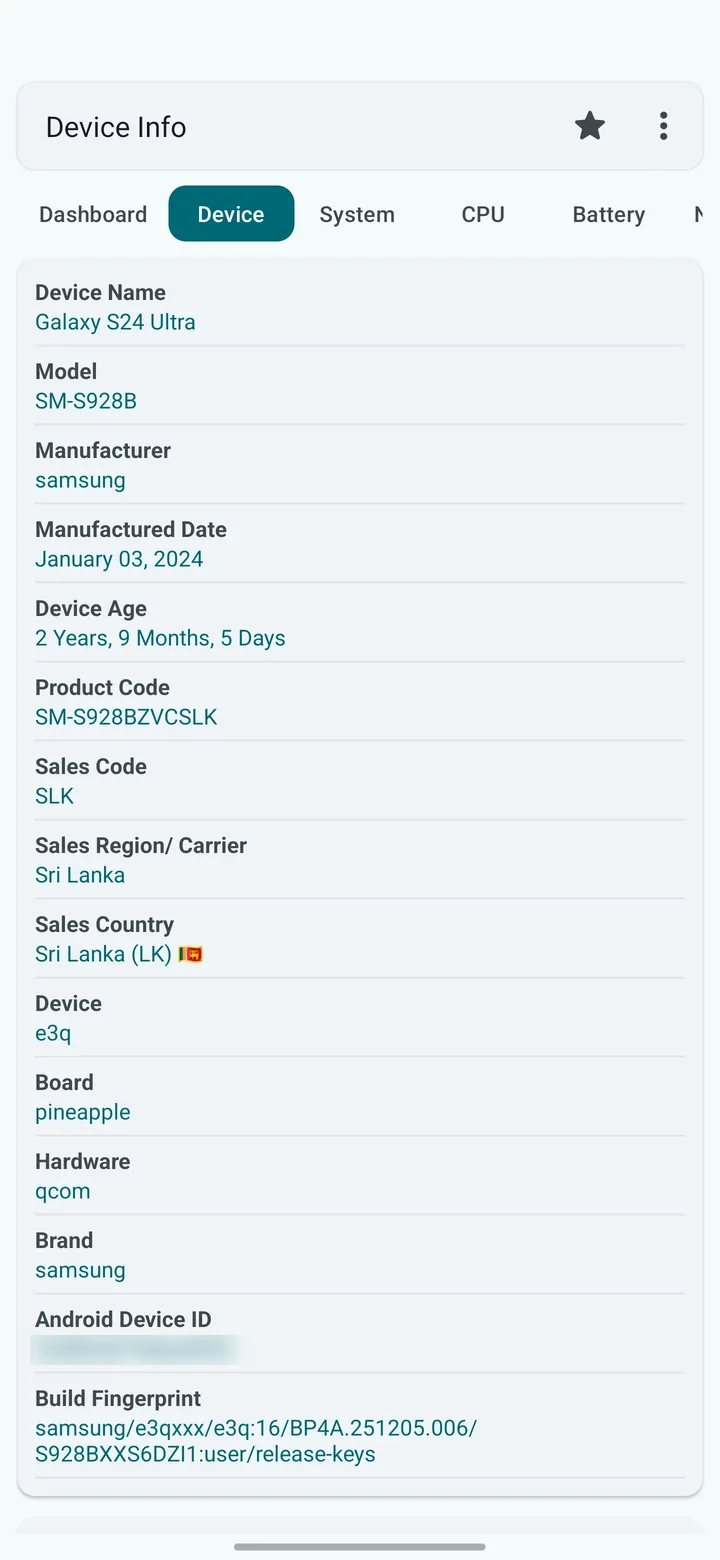
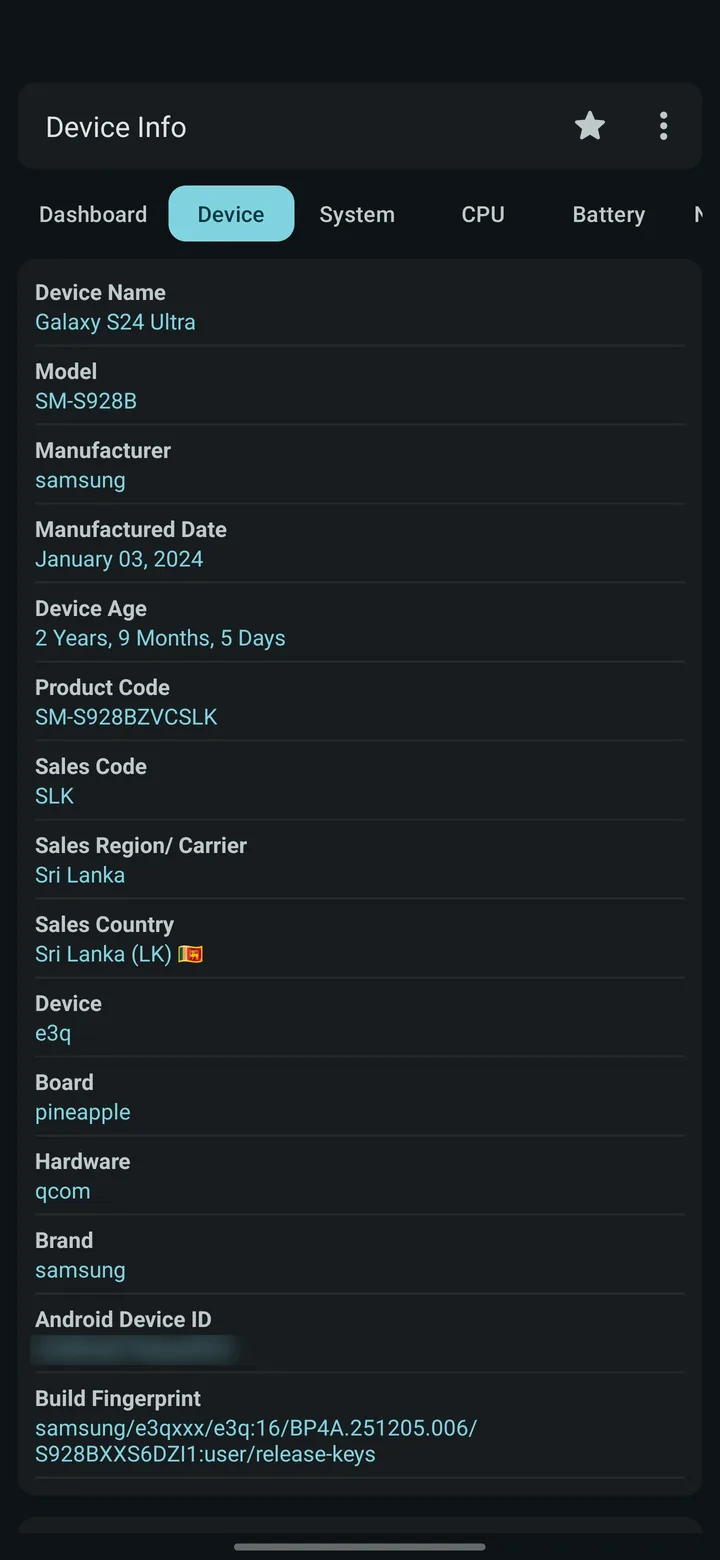
Manufacturers give each model an internal codename, such as e3q for the Galaxy S24 Ultra. Android reports it to apps, and regional versions of one phone often have different codenames.
My phone isn't listed. Does Device Info work on it?
Yes. Device Info works on any Android phone or tablet. Devices not in this list show their codename instead of the marketing name. Tell us your phone on Telegram and we'll add it.
Why do some phones list two chipsets?
Some models ship with different chips in different regions, for example a Snapdragon version and an Exynos version. Each one is listed with the codenames that use it.
Check your phone in one tap.
Device Info identifies your phone and its chipset automatically, then shows live CPU clocks, battery health, sensors and temperatures.

 Scan to installUse your phone camera